How to Run Open-Source AI Models Locally on a Mac
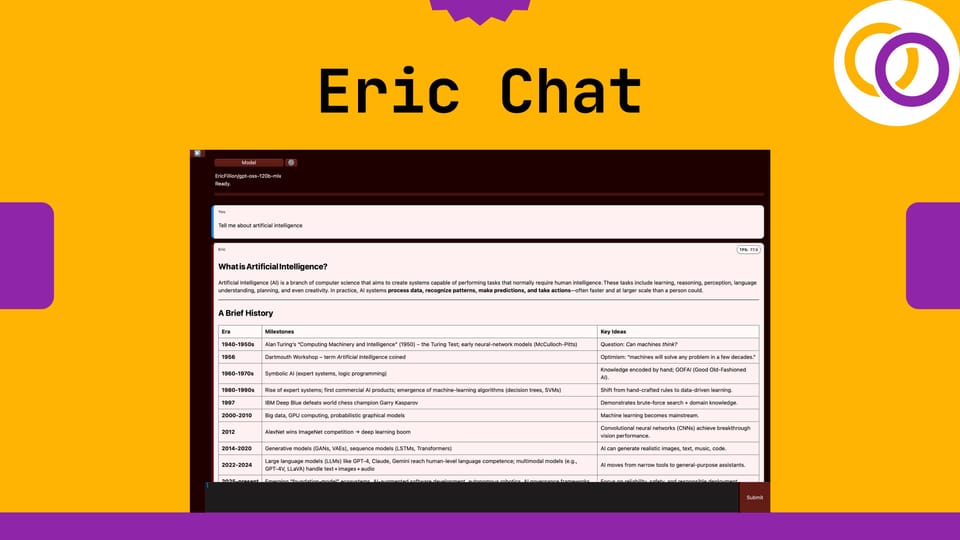
Eric Chat is a new open‑source Python package I just released that allows you to run AI models locally, securely, and offline on Macs with Apple silicon. It supports models of up to 120 billion parameters through a graphical user interface (GUI). It’s released under an Apache 2.0 license, and its source code is available on GitHub. The package is easy to use, and even complete beginners can learn how to run AI models locally.
Usage
Just pip install it and then execute the following two lines of Python code. The GUI will automatically pop up.
pip install ericchatfrom ericchat import run
run()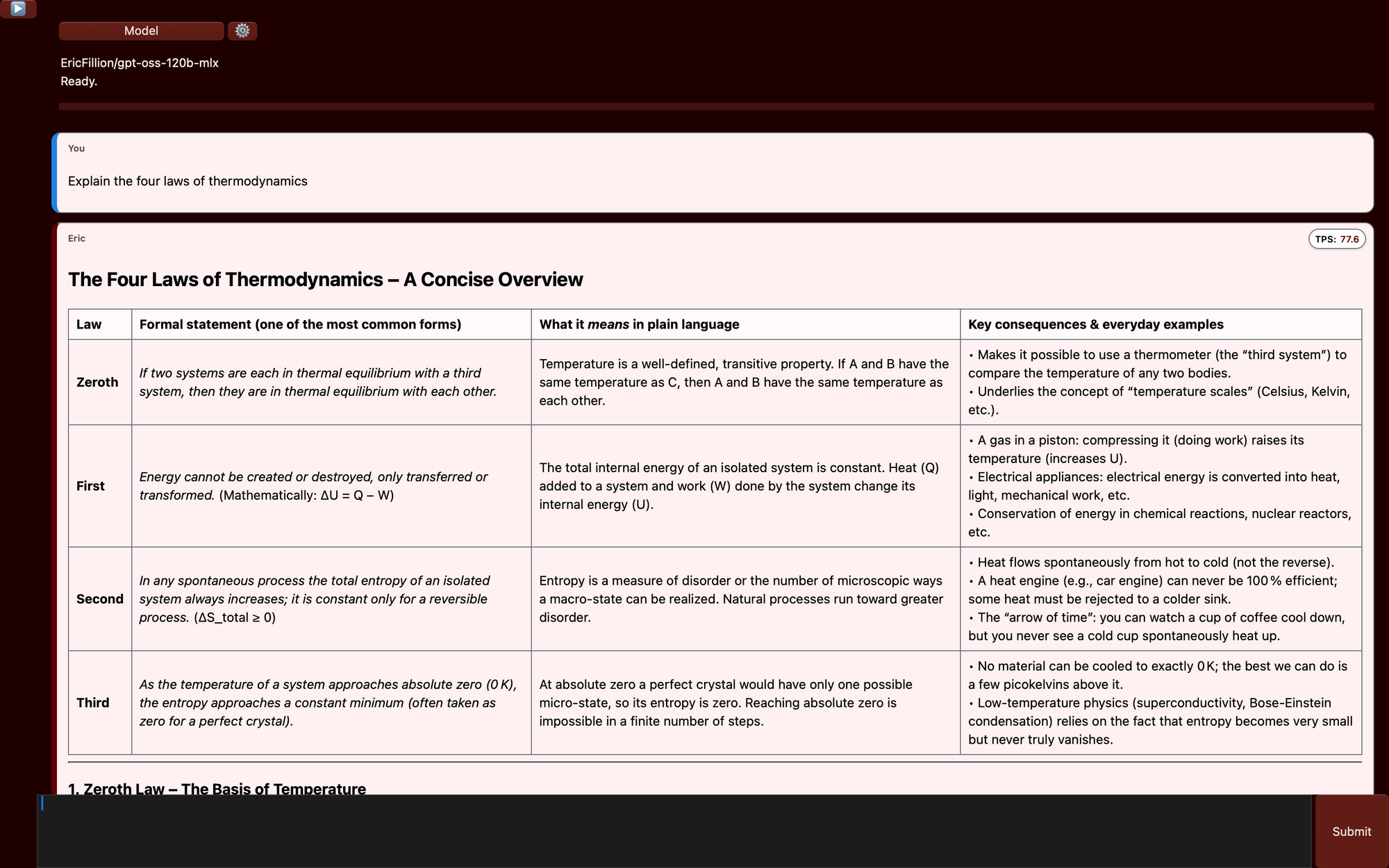
Notice how 77.6 tokens per (TPS) were generated with a 120 billion parameter model in the example above. This was done on a MacBook pro with an M4 Max chip.
Models
Eric Chat supports three open‑source models containing 3, 20 and 120 billion parameters. You can view them on my personal Hugging Face profile. Below is the approximate memory usage for each model.
EricFillion/smollm3-3b-mlx: ~5Gb
EricFillion/gpt-oss-20b-mlx: ~14 GB
EricFillion/gpt-oss-120b-mlx: ~60 GB

MLX-LM
Eric Chat uses another Python package I recently released called Eric Transformer, which in turn depends on Apple's MLX-LM for inference. So, Eric Chat employs software designed specially for Apple silicon to achieve fast and memory efficient inference.
Links
Drop Eric Chat a ⭐ to show your support.
 EricFillion
Subscribe to Vennify's YouTube channel for upcoming content on NLP.